Why Writers Are Going Back to Analog-Style Writing Tools
Somewhere in the last few years, a coworker started carrying a fountain pen to meetings, your cousin bought a record player despite owning every album on streaming, and half of your Instagram feed switched to film photos with visible grain. The same thing is happening to writing: people who grew up with word processors are deliberately downgrading to tools that look and feel like a typewriter. It’s not nostalgia for its own sake — it’s a reaction to something specific that modern tools broke.
The pattern isn’t really about the object
Vinyl doesn’t sound better than a lossless stream. Film isn’t sharper than a modern sensor. What these formats share is friction that used to be a limitation and is now, oddly, the point: you can’t skip to track nine mid-song without getting up, you can’t take four hundred shots of the same moment and pick the best one later. The constraint forces a kind of attention that the frictionless version quietly removed. Writing tools are catching up to the same realization. A blank page in a modern note app comes with a toolbar, a font picker, a sidebar of other documents — none of it malicious, all of it a tiny tax on attention every time you sit down to write.
What people actually miss
Ask someone why they went back to a typewriter-style tool and it’s rarely “I like how it looks.” It’s usually one of three things: a single fixed typeface so formatting never becomes a decision, a full-screen page with nothing else competing for attention, and — less talked about but real — the sense that a document has a fixed, physical-feeling shape instead of being an infinitely editable, infinitely rearrangeable blob. None of that requires an actual 1962 Underwood. It requires a piece of software that’s willing to leave features out.
The digital shortcut
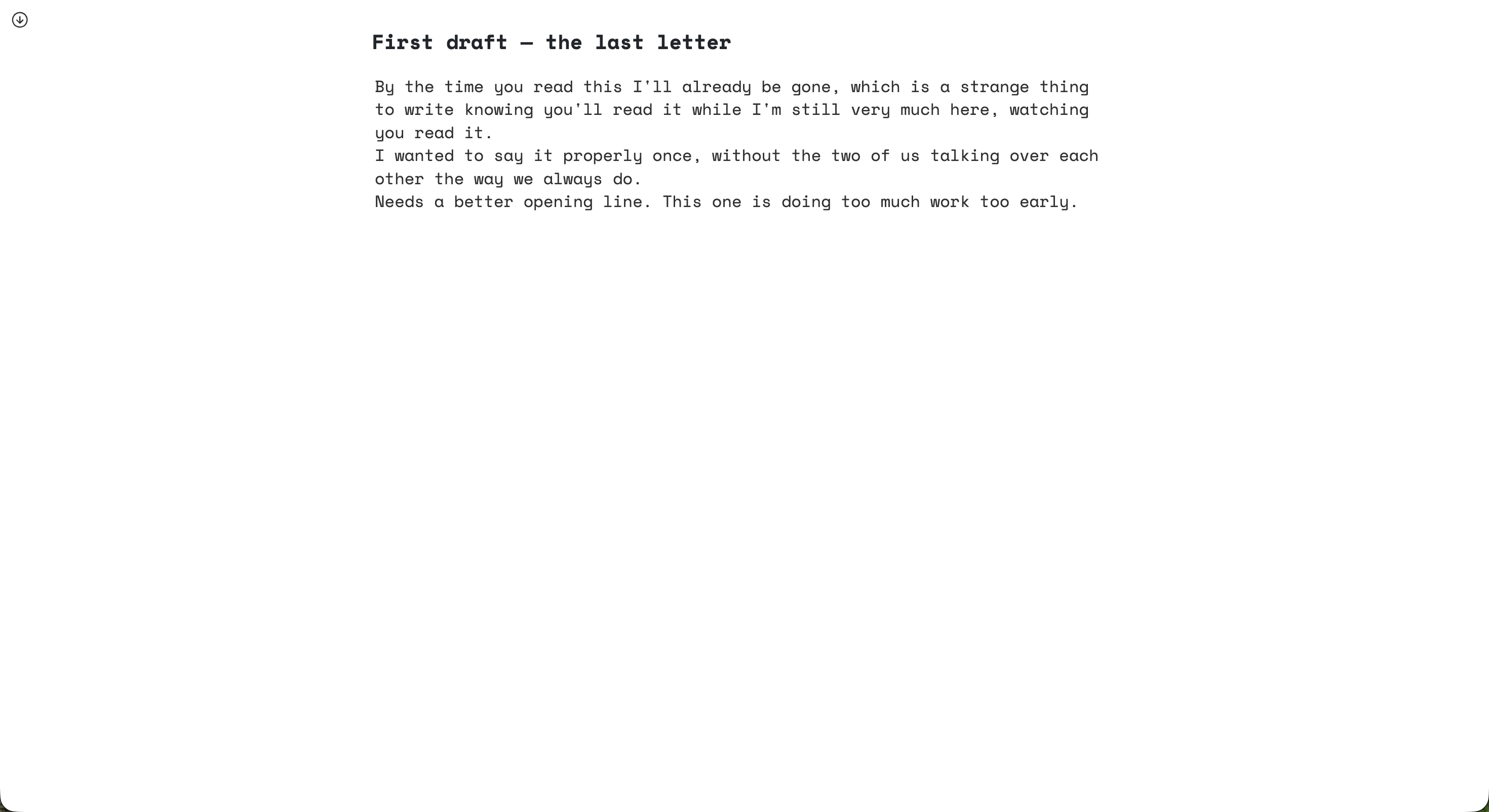
Buying a real typewriter solves the aesthetic but adds a new set of problems: no backup, no search, no way to send a draft to an editor without retyping it. Most of the analog-writing crowd has landed somewhere in between — apps that borrow the constraints without the downsides. Monospace, typewriter-styled editors like Typewriter Note are one version of this: a fixed font, a full-screen focus mode, and deliberately no rich formatting, but still searchable, backed up, and accessible from any browser. iA Writer’s “Typewriter Mode” (which keeps your current line centered as you type) is a lighter version of the same idea, layered onto a more conventional Markdown editor. Even a plain text file in a distraction-free editor gets you most of the way there, if you’re disciplined about not opening anything else.
What you don’t actually get back
This is exactly the kind of thing that’s easy to romanticize, so here’s the honest version. A typewriter-styled app is still software: it doesn’t give you the physical sound and resistance of real keys, and it doesn’t force the one genuinely useful constraint of an actual typewriter, which is that you can’t easily delete and rewrite a sentence, so you learn to think before you commit it to paper. Digital tools that mimic the aesthetic keep undo, keep backspace, keep search — which is better for getting real writing done, but it’s not the same discipline. And like most minimalist tools, going this route trades away structure: no chapters, no linked documents, no outline view. If you’re managing a novel-length manuscript, this whole category of tool will frustrate you before it helps you.
Trying the constraint before buying into it
The cheapest way to find out if any of this actually changes how you write is to try a version that costs nothing to undo. Typewriter Note has a demo you can use without an account — open it, write a paragraph in full-screen mode, and see whether the absence of a toolbar feels like a relief or just an inconvenience. If organizing what you write is more of the problem than the writing itself, this post covers the other half of that question.